





Unlock Your Design Workflow: How to Use Color Analyzer Free Online

Why Every Designer, Developer, and Marketer Needs a Color Analyzer
In today’s visual‑first world, choosing the right color palette can make or break a project. Whether you’re building a brand identity, designing a website, or crafting a marketing campaign, the right hues create impact and cohesion. But picking colors manually from images or design files is tedious and error‑prone. A free, browser‑based Color Analyzer solves this pain point by instantly extracting a palette from any image, letting you focus on creativity instead of color‑selection headaches.
What Color Analyzer Does
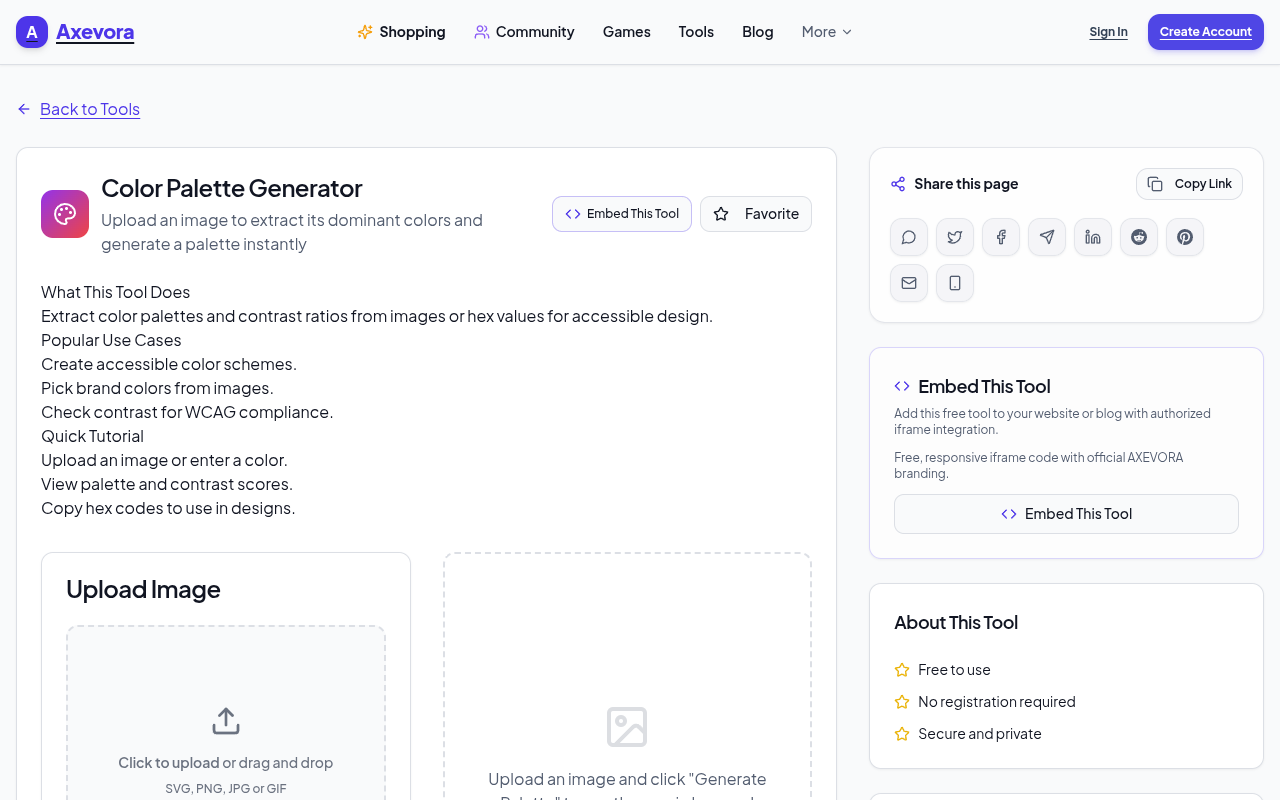
The tool analyzes an uploaded image, identifies its dominant colors, and presents them in a clean, sortable list. Each color is shown as a swatch, its HEX code, RGB values, and a percentage of the image it occupies. You can copy codes with a single click, export the palette to CSV, or download a PDF summary—all without installing software.
Who Should Use It?
- Students – Quickly gather reference colors for projects.
- Graphic Designers – Extract brand‑compliant palettes from logos or photography.
- Web Developers – Pull theme colors from client assets for CSS.
- Marketing Professionals – Align campaign visuals with existing brand colors.
- Everyday Users – Anyone who wants a quick color cheat sheet from a photo.
Real‑World Use Cases
- Brand Refresh – Upload a logo, extract its colors, and generate a new style guide.
- Website Theme Development – Pull colors from a client’s photo to create matching CSS variables.
- Social Media Graphics – Use the palette from a campaign image to maintain visual consistency across posts.
- Product Packaging – Analyze competitor packaging to inform your own color strategy.
Step‑by‑Step: How to Use Color Analyzer
- Navigate to Color Analyzer on Axevora.
- Click “Upload Image” and select your file (supports PNG, JPG, GIF).
- Wait for the analysis to complete—results appear in seconds.
- Review the palette: hover over swatches to see HEX, RGB, and percentage.
- Click the copy icon next to any code to add it to your clipboard.
- Optional: Use the “Export” button to download CSV or PDF for documentation.
Key Benefits
- Browser‑Based – No downloads, no installations.
- Privacy‑First – Images are processed locally in your browser; no upload to external servers.
- Free – Unlimited use, no subscription required.
- Instant Results – Get your palette in seconds, no waiting.
Common Mistakes and How to Avoid Them
- Uploading low‑resolution images – Colors may be inaccurate; use high‑quality photos.
- Relying solely on the dominant color – Consider secondary shades for richer palettes.
- Forgetting to export – Save your palette for future reference to avoid re‑analysis.
- Ignoring the percentage metric – Helps decide which colors truly represent the image.
Practical Example: Building a CSS Variable Palette
1. Extract colors from a brand logo.
2. Copy the HEX codes.
3. Paste into your :root {} CSS selector as variables:
:root {

  --primary: #3A5FCD;

  --secondary: #F1C40F;

  --accent: #E74C3C;

}
Now your entire site inherits consistent colors, all sourced from the original logo.
Frequently Asked Questions
- Can I use Color Analyzer with images that contain many colors? – Yes, it aggregates the most dominant hues, but you can adjust the number of colors displayed in the settings.
- Is my image safe? Will it be stored? – No, the tool processes images locally; nothing is uploaded or stored.
- What file types are supported? – PNG, JPG, JPEG, GIF, and WebP are all accepted.
- Can I use the exported palette in design software? – Absolutely; the CSV export can be imported into tools like Figma, Sketch, or Adobe XD.
Final Verdict
Color Analyzer on Axevora is a must‑have utility for anyone who works with color. Its simplicity, speed, and privacy make it a standout choice for designers, developers, and everyday users alike. Don’t let color selection slow you down—leverage this free tool to streamline your workflow.
Ready to transform how you work with color? Try the free Color Analyzer on Axevora →
 50000
 20000
 20
 20
Explore Related TITTOO Coverage & Discussions
- [Category Hub]: Technology & AI Hub
- [Community Forum]: Technology & AI Discussion Forum
- [Related Editorial Story]: Convert Any Video for Free Online – How to Use Axevora’s Video Converter in Minutes
- [About & Standards]: TITTOO Editorial Standards & Methodology
Discover how the free Color Analyzer on Axevora turns any image into a palette of usable colors, saving you hours of manual work. Follow our step‑by‑step guide and start extracting perfect hues instantly.
Read the full article ↓Discover how the free Color Analyzer on Axevora turns any image into a palette of usable colors, saving you hours of manual work. Follow our step‑by‑step guide and start extracting perfect hues instantly.
Yeh quick view original article ke excerpt par based hai. Puri details ke liye Standard Deep mode padhein.
You are reading the original TITTOO article. Existing article text, links, images, and embedded media are preserved.