





Unlock Your Site’s Full Potential with the Free Website Analyzer on Axevora

Why You Need a Website Analyzer
In today’s fast‑paced digital world, a website that loads slowly or is poorly structured can cost you traffic, revenue, and credibility. A quick, reliable audit tool lets you spot bottlenecks, fix SEO issues, and keep your site competitive—all in minutes.
What Website Analyzer Does
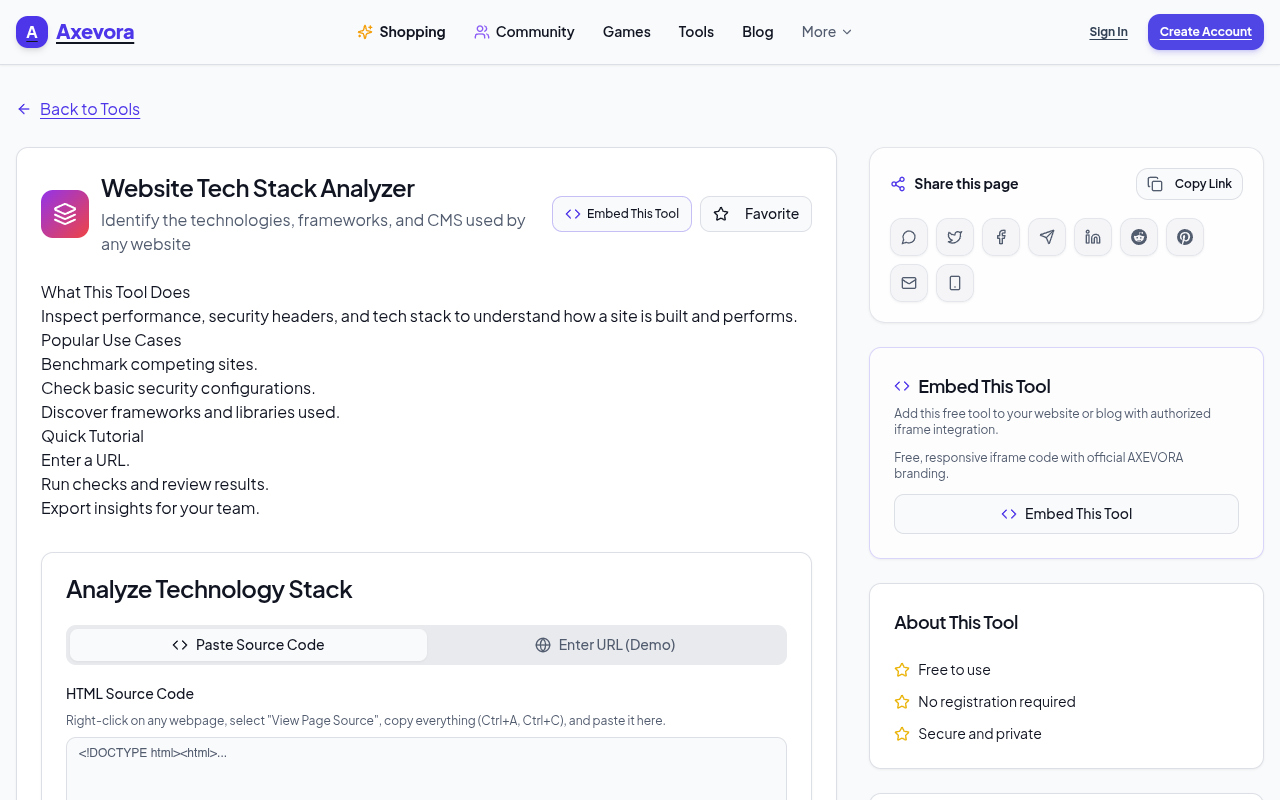
The Website Analyzer runs entirely in your browser. Enter a URL and it fetches the page, parses its HTML, CSS, JavaScript, images, and network requests, then produces a clear report covering:
- Page load speed & waterfall chart
- SEO health & meta‑data checks
- Accessibility score
- Broken links & redirects
- Performance metrics (LCP, CLS, FID)
Who Should Use It
Anyone who owns or manages a website can benefit:
- Students researching web performance
- Content creators wanting faster load times for readers
- Web developers debugging production issues
- Marketing professionals tracking SEO health
- Everyday users curious about how sites perform
Real‑World Use Cases
- Launch Day Prep – Verify that your new site meets Google’s Core Web Vitals before going live.
- SEO Audits – Quickly scan competitors’ pages to identify missing meta tags or broken links.
- Performance Tuning – Spot heavy scripts or oversized images that slow down your site.
- Accessibility Checks – Ensure your pages meet WCAG guidelines for a broader audience.
Step‑by‑Step How to Use
- Navigate to Website Analyzer on Axevora.
- Paste the URL you want to inspect into the input field.
- Click “Analyze” and wait for the report to generate.
- Review the Performance, SEO, and Accessibility tabs.
- Download the PDF or copy the key findings for your team.
Key Benefits
- Browser‑Based – No downloads, no installations.
- Privacy‑First – Data is processed locally; no personal info is stored.
- Free – Unlimited use for individuals and teams.
- Instant results – Get actionable insights in under a minute.
Common Mistakes & How to Avoid Them
- Analyzing a non‑public page – The tool can’t access password‑protected content; use a publicly accessible URL.
- Ignoring the “Performance” tab – Speed issues often outweigh SEO problems; address them first.
- Relying on a single scan – Run multiple checks at different times to catch caching or CDN variations.
- Overlooking broken links – Broken internal links can hurt user experience; fix them promptly.
Practical Examples / Sample Workflows
Imagine you’re a freelance developer launching a client’s site:
- Run the analyzer to confirm all images are under 100 KB.
- Use the “SEO” tab to ensure each page has unique titles and meta descriptions.
- Export the report and present it to the client with clear improvement recommendations.
Frequently Asked Questions (FAQ)
- 1. Is the Website Analyzer safe to use?
- Yes. All data is processed locally in your browser; no information is sent to external servers.
- 2. Can I analyze multiple pages at once?
- Currently, the tool analyzes one URL per run. You can batch‑process by scripting or using the “Export” feature.
- 3. Does it support mobile viewports?
- It analyzes the page as rendered on your desktop browser, but you can manually adjust the viewport size to mimic mobile devices.
- 4. Will I need a subscription for advanced features?
- No. All core features are free; premium plans are only for additional integrations.
Strong Closing Verdict and Call to Action
The Website Analyzer on Axevora is a powerful, zero‑cost ally in building faster, healthier, and more accessible websites. Whether you’re a student, developer, or marketer, this tool saves time and boosts quality.
Ready to see your site in a new light? Try the free Website Analyzer on Axevora →
 50000
 20000
 20
 20
Explore Related TITTOO Coverage & Discussions
- [Category Hub]: Technology & AI Hub
- [Community Forum]: Technology & AI Discussion Forum
- [Related Editorial Story]: Numerology Horoscope for Oct 14 2026: Hidden Truths, Unexpected Encounters & Old Karma
- [About & Standards]: TITTOO Editorial Standards & Methodology
Discover how Axevora’s free Website Analyzer gives you instant, actionable insights into your site’s performance, structure, and SEO—all without installing software or compromising privacy.
Read the full article ↓Discover how Axevora’s free Website Analyzer gives you instant, actionable insights into your site’s performance, structure, and SEO—all without installing software or compromising privacy.
Yeh quick view original article ke excerpt par based hai. Puri details ke liye Standard Deep mode padhein.
You are reading the original TITTOO article. Existing article text, links, images, and embedded media are preserved.