





Master the Free Online Text Editor on Axevora: Boost Productivity Without Installing Software

1. Why a Simple Online Text Editor Matters in 2024
In a world where cloud apps dominate, a lightweight, no‑install text editor is a game‑changer. Whether you’re drafting a research paper, coding a quick script, or jotting down meeting notes, you need a tool that is instant, secure, and works across devices. Axevora’s free Text Editor fills that niche—no download, no registration, just a clean interface that keeps your content private and accessible.
2. What the Axevora Text Editor Offers
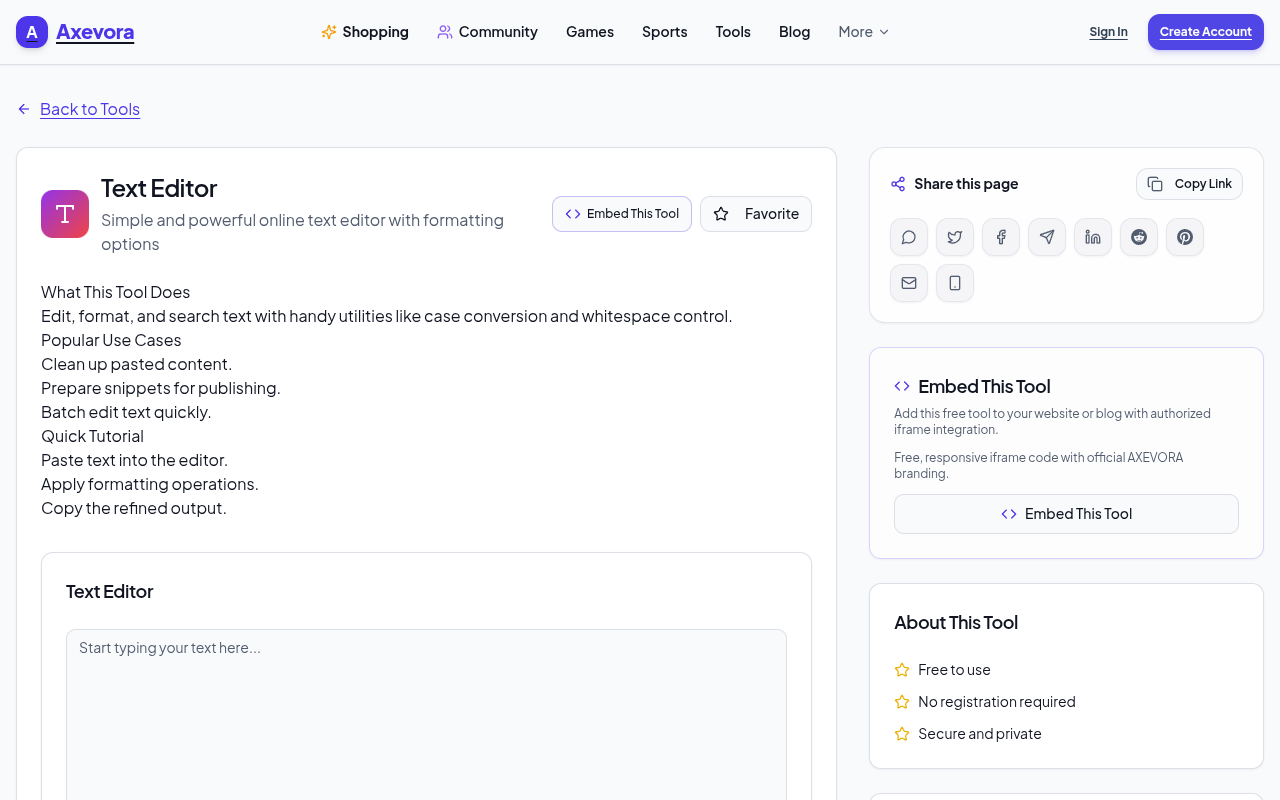
The core of the tool is a rich‑text editor that supports bold, italics, lists, hyperlinks, and code blocks. It runs entirely in your browser, meaning no local software, no updates, and no data stored on your machine. The editor auto‑saves to your browser’s local storage, so you can close the tab and pick up right where you left off.
3. Who Should Use It?
- Students: Draft essays, create study notes, or format lab reports.
- Content Creators: Write blog posts, outlines, or social media captions.
- Developers: Quickly prototype code snippets or document APIs.
- Professionals: Draft proposals, meeting minutes, or internal memos.
- Everyday Users: Keep grocery lists, to‑do items, or personal journals.
4. Real‑World Use Cases
A. Academic Writing
Students can draft papers, insert citations, and format references—all without a word processor. The editor’s “code block” feature is handy for mathematical expressions or code samples.
B. Rapid Prototyping for Developers
Copy a snippet, format it as a code block, and share the link via email or chat. No need to open VS Code or a local file.
C. Team Collaboration
Share a live document link with teammates. Everyone can edit in real time, and the editor’s history feature lets you revert changes.
D. Personal Productivity
Create a daily journal or a project plan. The editor’s simple toolbar keeps you focused on writing, not on formatting.
5. Step‑by‑Step How to Use the Text Editor
- Navigate to Axevora’s Text Editor.
- Start typing—no sign‑in required.
- Use the toolbar for formatting: B for bold, I for italics,
for code blocks. - Insert links with the chain icon.
- Use the Undo/Redo buttons for quick corrections.
- Click Save to store the document locally (or copy the URL to share).
- Close the tab and reopen to resume—your text is auto‑loaded.
6. Key Benefits
- Browser‑Based: Access from any device with an internet connection.
- Privacy‑First: No account required; data stays in your browser.
- Free: Zero cost, zero ads.
- No Installation: No software downloads or updates.
- Instant: No login delays—start writing in seconds.
7. Common Mistakes & How to Avoid Them
- Forgetting to Save: Though auto‑save works, click Save for extra security.
- Using Unsupported Formats: Stick to plain text or Markdown; avoid complex formatting that may not render.
- Leaving the Tab Open Indefinitely: Browser memory can fill up—close tabs after use.
- Assuming Cloud Sync: The editor does not sync across devices; copy the text manually if needed.
8. Practical Example Workflows
- Essay Draft: Use headings, bullet lists, and code blocks for citations. Export as PDF by printing to PDF.
- Code Snippet Sharing: Paste code, format as a block, and copy the URL to send to a colleague.
- Meeting Minutes: Create a template with placeholders; fill in during the meeting; share the link for instant updates.
9. Frequently Asked Questions
Q1: Does the editor store my data on Axevora’s servers?
A: No. All content is stored locally in your browser unless you explicitly export it.
Q2: Can I collaborate in real time?
A: The editor supports shared links that auto‑update, but it is not a full collaborative platform.
Q3: Is there a way to export my document?
A: Yes—use the browser’s “Print” function and choose “Save as PDF.”
Q4: Are there keyboard shortcuts?
A: Standard shortcuts apply: Ctrl+B for bold, Ctrl+I for italics, Ctrl+K for links.
10. Final Verdict & Call to Action
Axevora’s free Text Editor is a lightweight, privacy‑first solution that fits seamlessly into any digital workflow. Whether you’re a student, a developer, or just looking for a quick note‑taking tool, this editor saves time and eliminates the hassle of installing software.
Try the free Text Editor on Axevora →
 50000
 20000
 20
 20
Explore Related TITTOO Coverage & Discussions
- [Category Hub]: Technology & AI Hub
- [Community Forum]: Technology & AI Discussion Forum
- [Related Editorial Story]: Why the De’Longhi Magnifica Start Is the Everyday Coffee Machine You’ve Been Waiting For
- [About & Standards]: TITTOO Editorial Standards & Methodology
Discover how Axevora’s Text Editor turns your browser into a powerful writing hub—perfect for students, developers, and everyday users. Learn step‑by‑step, avoid common pitfalls, and start saving hours today.
Read the full article ↓Discover how Axevora’s Text Editor turns your browser into a powerful writing hub—perfect for students, developers, and everyday users. Learn step‑by‑step, avoid common pitfalls, and start saving hours today.
Yeh quick view original article ke excerpt par based hai. Puri details ke liye Standard Deep mode padhein.
You are reading the original TITTOO article. Existing article text, links, images, and embedded media are preserved.