How to Rotate PDF Online for Free: Complete Step-by-Step Guide

The Modern Fix for Crooked Scans and Sideways Documents
Few document issues are as universally frustrating as opening an important PDF only to discover that half the pages are sideways or completely upside down. Whether it is an inverted lease agreement scanned at the local print shop, an invoice uploaded upside down from a mobile scanning app, or a financial spreadsheet formatted in horizontal landscape inside a vertical portrait file, poor orientation derails productivity. Tilting your head at your monitor is not a sustainable workaround, and sending misaligned documents to clients or professors damages your credibility.
Historically, solving this meant launching expensive, bloated desktop suites or paying for enterprise PDF licenses. Today, lightweight web engineering makes it possible to fix orientation issues in seconds directly in your web browser. Discover how to leverage Rotate PDF to permanently realign your files with zero friction.
What Is Rotate PDF and How Does It Work?
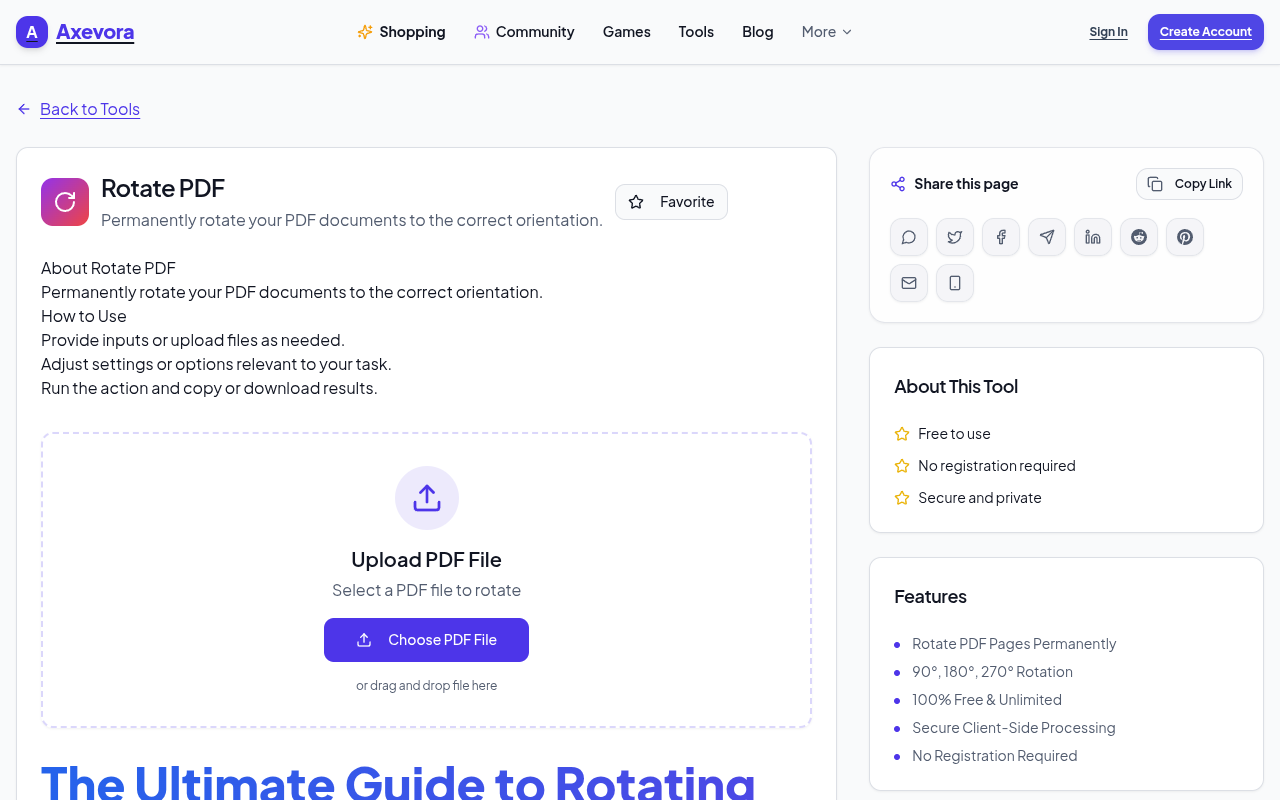
Rotate PDF is a dedicated web utility engineered to change the display orientation of PDF pages permanently. Instead of merely altering the view inside a local reader (which reverts back the moment you email the file to someone else), this tool modifies the internal orientation metadata and page geometry of the PDF structure itself.
With support for standard angular increments—90 degrees clockwise, 180 degrees (upside down), and 270 degrees (counter-clockwise)—the tool ensures your file renders perfectly on any device, operating system, or PDF viewing app. Because it processes files dynamically through modern browser protocols, pages are parsed smoothly while maintaining original vector text, embedded fonts, form fields, and image resolutions intact.
Who Needs to Rotate PDF Files?
- Legal and Corporate Professionals: Ensure signed agreements, countersigned addenda, and government filings comply with strict portrait-submission requirements.
- Students and Educators: Straighten lecture notes, scanned textbook chapters, and research project submissions before handing them into academic portals.
- Finance and Accounting Specialists: Align landscape-heavy balance sheets, tax receipts, and audit trails into readable, professional packets.
- Remote Teams and Freelancers: Clean up quick smartphone scans of receipts, physical contracts, and design briefs before circulating them to clients.
4 Real-World Scenarios Where Page Rotation Saves Hours
1. Multi-Page Hardware Scans
Sheet-fed office scanners frequently pull pages through upside down or in mixed orientations. Rather than rescanning a 40-page technical dossier, running the file through an online rotation tool corrects orientation errors in one pass.
2. Combining Portrait Reports with Landscape Data Tables
When compiling business reports, spreadsheets often export in wide landscape view while narrative chapters remain portrait. Standardizing your PDF layout ensures stakeholders do not have to manually twist their displays while reading your performance reviews.
3. Mobile “Scan-to-PDF” Corrections
Mobile camera scanners are convenient, but ambient gyroscope confusion often saves your receipts and handwritten notes 90 degrees askew. Quick browser rotation fixes these snaps before they enter your accounting system.
4. Archival and Compliance Submissions
Public records, permit applications, and institutional repositories will often outright reject documents that do not meet standard upright viewing orientations. Quick online reorientation eliminates bureaucratic rejections.
Step-by-Step: How to Rotate PDF Pages Online
- Access the Utility: Open the tool in any modern browser on desktop, tablet, or smartphone.
- Upload Your File: Drag and drop your misaligned PDF into the designated upload zone, or click to select the file from your local storage.
- Choose Your Desired Rotation: Select the angular adjustment required:
- 90° Clockwise: Turns vertical documents into landscape, or fixes pages rotated 90 degrees left.
- 180° Flip: Inverts completely upside-down documents right-side up.
- 270° Counter-Clockwise: Rotates files 90 degrees to the left.
- Process and Download: Hit the process button, wait a brief second for rendering, and download your permanently straightened PDF file.
Key Advantages of Using Axevora’s Cloud Tool
- Zero Installation Required: Skip cumbersome desktop software that hogs hard drive storage and requires constant software updates.
- Privacy-Conscious Architecture: Files are processed securely, protecting your proprietary reports, private financial records, and legal agreements.
- Full Fidelity Preservation: Unlike low-grade converters that compress or rasterize vectors, Axevora’s utility preserves clean typography, hyperlinks, and layout resolution.
- 100% Free Access: No hidden paywalls, subscription models, or watermarks stamped across your critical paperwork.
Common Mistakes to Avoid When Rotating PDFs
- Confusing Reader View with File Saving: Using the “View > Rotate” button in local viewer apps only shifts the screen for that session; it does not permanently rewrite the file. You must run the file through an editor to bake the changes in permanently.
- Over-Rotating via Repeated Runs: Make sure you know whether your target is 90° or 270° before running repetitive adjustments, preventing unintended orientation loops.
- Deleting the Original Source File: Always keep your untouched source document on hand until you have verified the rotated download renders as expected on multiple devices.
Frequently Asked Questions (FAQ)
Will rotating a PDF reduce its visual or print quality?
No. Rotating alters coordinate matrices within the PDF specifications; it does not compress your images or degrade text crispness.
Is my sensitive personal information secure?
Yes. The tool processes documents using streamlined web standards, avoiding long-term document retention to safeguard your confidential data.
Can I rotate an upside-down document in a single click?
Yes. Choosing the 180° rotation option flips upside-down documents directly into standard orientation without needing sequential 90-degree steps.
Do I need an account or software license to use the tool?
No account, registration, or software payment is needed. The tool runs instantly on demand directly in your web browser.
The Verdict: Clean Up Your PDF Library in Seconds
Maintaining polished, upright documents is essential for professional correspondence, academic reviews, and administrative filing. Never let a sideways scan undermine your hard work.
Ready to align your documents effortlessly? Try the free Rotate PDF tool on Axevora → and optimize your PDF files instantly.
 50000
50000 20000
20000 20
20
 20
20Explore Related TITTOO Coverage & Discussions
- [Category Hub]: Technology & AI Hub
- [Community Forum]: Technology & AI Discussion Forum
- [Related Editorial Story]: When 250 runs no longer guarantees a win, T20 cricket faces an identity crisis
- [About & Standards]: TITTOO Editorial Standards & Methodology
Tired of crooked scans and upside-down contract pages? Learn how to permanently rotate PDF pages 90, 180, or 270 degrees online without installing bulky software.
Read the full article ↓Tired of crooked scans and upside-down contract pages? Learn how to permanently rotate PDF pages 90, 180, or 270 degrees online without installing bulky software.
Yeh quick view original article ke excerpt par based hai. Puri details ke liye Standard Deep mode padhein.
You are reading the original TITTOO article. Existing article text, links, images, and embedded media are preserved.